AI Tools for Content Creators: 5 Worth Paying For in 2026
Summary
The best AI tools for content creators each remove one repeated weekly task. Descript speeds up long-form editing, Submagic handles short-form captions, ElevenLabs covers voiceovers, and Canva takes care of graphics. Choose three at most, test each on one real project, and cancel anything that saves less than 30 minutes a week. A sensible solo stack costs under $50 a month.
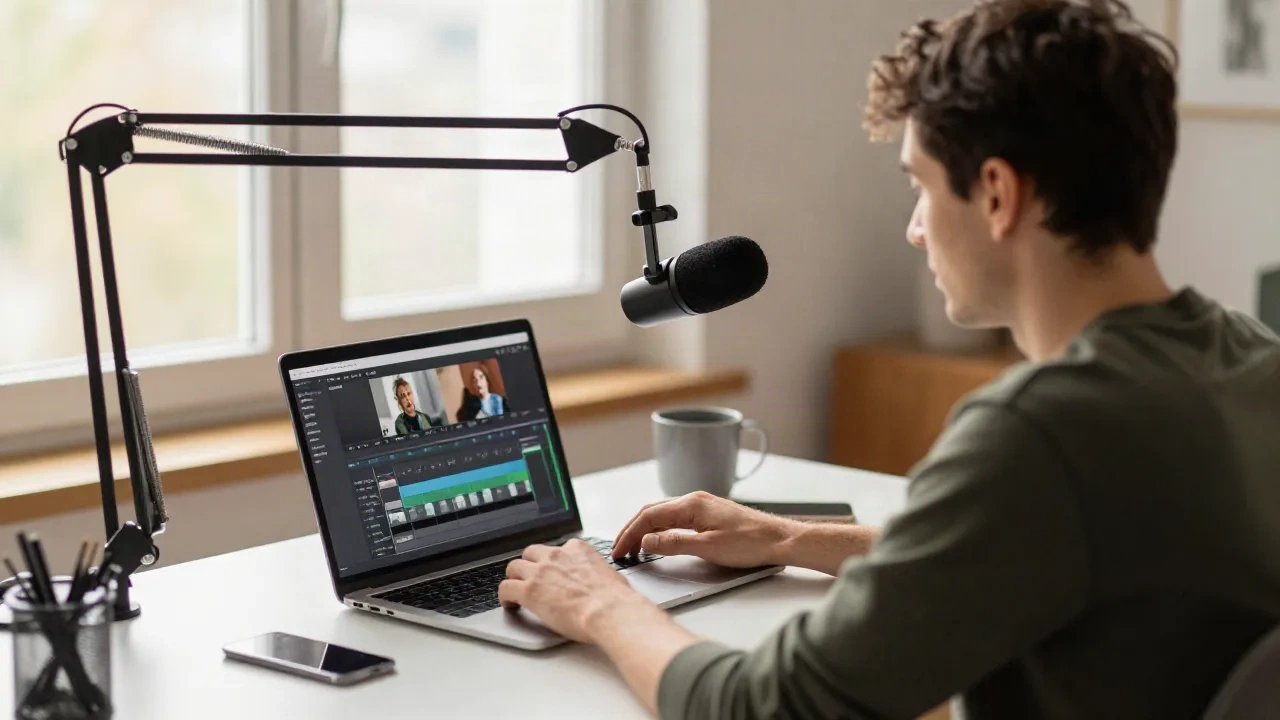
The best ai tools for content creators are the ones that take over a task you repeat every week: cutting dead air, captioning clips, cleaning audio, drafting the first version of a post. Pick three at most, one per bottleneck, and ignore the rest of the pile.
Here is the short list we would start with, why each one earns its place, and which ones to skip.
Which job is eating your week?
Before you open a single pricing page, time yourself for five days. Most solo creators find that three tasks swallow the hours: editing, repurposing and writing.
Editing means cutting silences and fixing audio. Repurposing means turning one long video into five shorts with captions. Writing means titles, descriptions and newsletters.
Everything else is noise. A tool that does not shorten one of those three jobs is a hobby, not a workflow.
How many creators actually use AI, and what does it change?
The adoption numbers are high. In an Adobe and Harris Poll survey of 2,000+ US creators, 78% of creators who use creative AI said it had accelerated the growth of their business or following.
The same survey found that 77% believe the final creative decision should stay with the human. That matches what we see: the tools draft and clean, the creator decides.
Keep in mind that Adobe sells creative software, so read the figure as a signal, not a verdict. What matters for you is smaller. Does a tool give you back two hours a week? If yes, it pays for itself.
Which AI video editor should you use to cut hours of footage?
Descript edits video by editing text. You get a transcript, delete a sentence, and the matching footage disappears. For talking-head videos, interviews and podcasts, this is faster than any timeline.
The Creator plan runs about $24 a month billed yearly, with 30 media hours and 4K export. The free plan is limited to one project, enough to test it on a real episode.
Skip it if you only make fast vertical clips with heavy effects. Descript is built for spoken content, and it shows.
CapCut is the other name you will hear. The core editor is free and the Pro plan is around $9.99 a month. It suits creators who live on TikTok and Reels and want templates. Worth it if budget is tight, but expect more manual work on long videos.
What is the fastest way to caption and repurpose short clips?
Captions decide whether a muted viewer keeps watching. Writing them by hand is one of the most boring jobs in a creator week, and it is exactly what AI does well.
Submagic is built for this single job. It generates animated, word-by-word captions in dozens of languages, highlights key phrases and suggests b-roll. It does not try to be a full editor, and that is its strength.
Worth the money if you post several shorts a week. Skip it if you publish one long video a month, because Descript captions will cover you.
A practical flow looks like this. Record once, edit the long version in Descript, export three strong moments, then send them to Submagic for captions. Total hands-on time for a 20 minute video: about 40 minutes once you know the steps.
Can AI clean your audio and handle voiceovers?
Bad audio loses viewers faster than bad video. Two tools matter here, and they do different things.
ElevenLabs generates and clones voices from text. The free tier gives you 10,000 characters a month, and the Creator plan costs $22 a month. It works well for voiceovers on videos where you do not want to record in a noisy room, and for dubbing into a second language.
Be honest with your audience if you use a cloned voice. Fans forgive a lot, but they do not forgive finding out later.
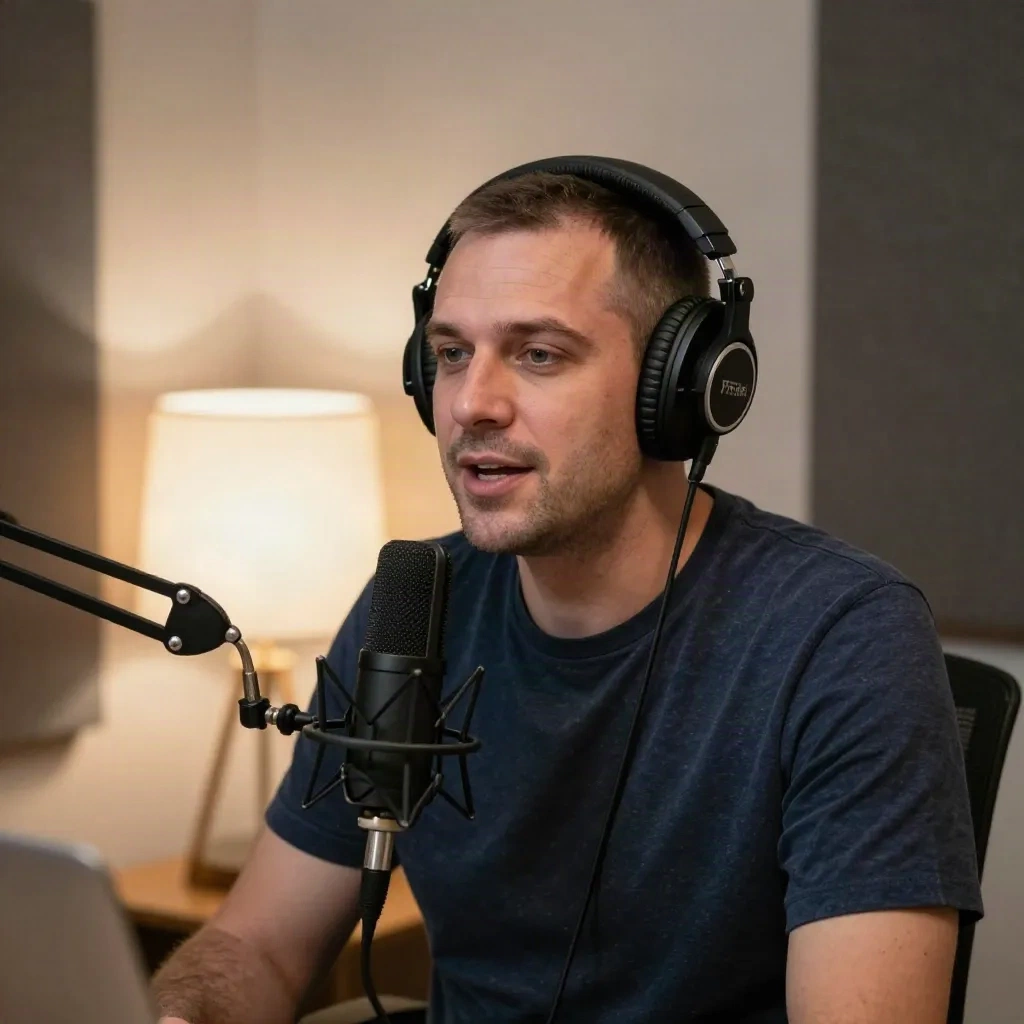
Descript also includes a studio sound feature that cleans room noise from your own recordings. For most creators, fixing a real recording beats replacing it with a synthetic one.
Which tools help with thumbnails, posts and planning?
Canva covers thumbnails, carousels and social graphics in one browser tab. Its Magic Studio AI features handle background removal, resizing one design into every format, and quick variations. The free plan is enough to start.
For text, a general assistant such as ChatGPT or Claude is useful for the first draft of a description, a newsletter intro or a list of title options. Never publish the first output. Rewrite it in your own voice, because your fans follow you, not a template.

How does this change by type of creator?
The same tools do not fit everyone. Your format decides which one comes first.
A YouTuber with 20 minute videos gains most from transcript editing and automatic chapters. The savings come from the rough cut, which is usually half of the total editing time.
A podcaster cares about two things: clean audio and clips for promotion. Studio sound removes room noise, and a captioning tool turns a good minute of the episode into a clip that travels without you.
A musician or trainer who sells directly to fans has a different bottleneck. The work is not video, it is writing: product pages, email sequences, answers to the same ten questions. An AI assistant drafts the first pass, and you fix the tone.
An author or newsletter writer should be the most careful. Fans pay for your voice. Use AI for research notes, outlines and subject line options, never for the finished text.
What does a real week look like with three tools?
Take a creator who publishes one long video and three shorts a week. Before AI, the week looked like this: three hours of editing, two hours of captions, an hour on thumbnails and an hour on descriptions. Seven hours, mostly repetitive.
With a transcript editor, the rough cut drops to about 90 minutes. Automatic captions on the three shorts take 20 minutes of checking. Thumbnail variations from a template take 30 minutes. Descriptions drafted by an assistant and rewritten by hand take 20 minutes.
The total is around three hours. Four hours come back every week, and that is the number to compare against the subscription price. At $50 a month, you pay about $3 per saved hour.
Those hours only matter if you use them well. Spend them on what no tool does for you: talking to your fans, building an email list, and selling something directly instead of waiting for an algorithm to pay you.
What mistakes cost creators the most?
The first mistake is trusting auto-captions without a read. Names, brands and niche terms get misspelled, and a wrong word in a caption is the first thing a fan screenshots.
The second is publishing AI voice or images without a check. Hands, text in images and odd pronunciations give it away in seconds.
The third is buying annual plans on day one. Pay monthly for the first two months, then switch to annual once the tool has survived real use. The discount is real, but it is wasted on software you stop opening.
The fourth is letting a tool dictate your style. If every clip starts to look like every other clip with the same caption animation, your fans notice before you do. Change the preset, keep your own pacing, and make sure the output sounds like you.
What should you skip?
Skip any tool that promises to run your whole channel. Full auto-posting bots and fake-engagement features trade your reputation for a short-term bump, and platform algorithms are getting better at spotting both.
Skip tools with no free tier or trial. If a vendor will not let you test on one real project, assume the demo is better than the product.
Skip stacking five subscriptions. Three tools at $60 a month total is a reasonable ceiling for a solo creator earning under $2,000 a month from their audience.
What does a sensible creator stack cost?
Here is a realistic starting point, priced from the plans above:
Descript Creator for long-form editing: about $24 a month billed yearly
Submagic for short-form captions: check the current plan, as pricing changes often
ElevenLabs Creator for voiceovers: $22 a month, or the free tier to test
Canva for graphics: free to start
That is under $50 a month before Submagic, and you can drop any line you do not use. Review the stack every quarter and cancel what you opened less than twice.
How do you test a tool without wasting a month?
Pick one real piece of content you already have. Run it through the tool and measure two things: minutes saved and how much cleanup the output needed.
If the tool saves less than 30 minutes per week, cancel. If you spend more time fixing its output than doing the task yourself, cancel faster.
A tool that passes the test is one you keep. The rest is just software you pay for out of habit.
What would we actually pick?
If you make spoken video, start with Descript. If you make shorts, add Submagic. If your audio is the weak point, test ElevenLabs on one episode.
Then keep your money in your own pocket. The more of your income comes from fans who pay you directly, the less each tool subscription hurts, and the less an algorithm decides what you earn.