Best Product Photography Software: 6 Tools Compared
Summary
Looking for product photography software that skips the studio? We compared six AI tools, Klayn, Photoroom, Claid.ai, Pebblely, Flair.ai, and Nightjar, on price, output formats, catalog scale, and brand consistency. Photoroom and Nightjar handle the largest catalogs, Claid.ai wins on fashion detail, and Pebblely is the cheapest starting point. Klayn tops our list for creators who want photos, video, and copy from a single tool.
Six AI product photography tools tested side by side: pricing, output formats, catalog scale, and which one actually writes your product copy too.
At-a-glance
| Klayn | Photoroom | Claid.ai | Pebblely | Flair.ai | Nightjar | |
|---|---|---|---|---|---|---|
| Entry paid plan | $15/mo (Starter, 2,000 credits) | $7.50/mo (Pro, billed yearly) | $9/mo (Essentials, 500 credits) | $9/mo (Lite, 30 images) | $8/mo (Pro, after free plan) | About $25/mo (150 generations) |
| What it generates | Photos, video, marketing visuals, product copy | Photos, background removal, video templates | Photos, fashion on-model shots, image-to-video | Photos only, marketplace-ready sizes | Photos, on-model shots, ad creative | Photos, virtual try-on, video |
| Bulk / catalog handling | One product at a time, no bulk batch mode yet | Batch-edits thousands of images via web app or API | API with volume discounts for bulk processing | Bulk generate on Basic plan and above | Manual canvas per product, no bulk API on entry tiers | Recipes reapply one look across a whole catalog |
| Brand consistency tool | Brand DNA auto-extracted from your site (palette, fonts, tone) | Brand Kit locks colors, logos, layouts | Brand-approved backgrounds and colors | Custom prompts only, no saved brand profile | Reusable custom AI human models | Saved Recipes (model, style, scene) per brand |
| Setup effort | Import by URL, minimal setup | Low for core tools, steeper for API/Enterprise | Low, no prompt writing needed | Very low, template-driven | Moderate, drag-and-drop canvas to learn | Moderate, one setup session per Recipe |
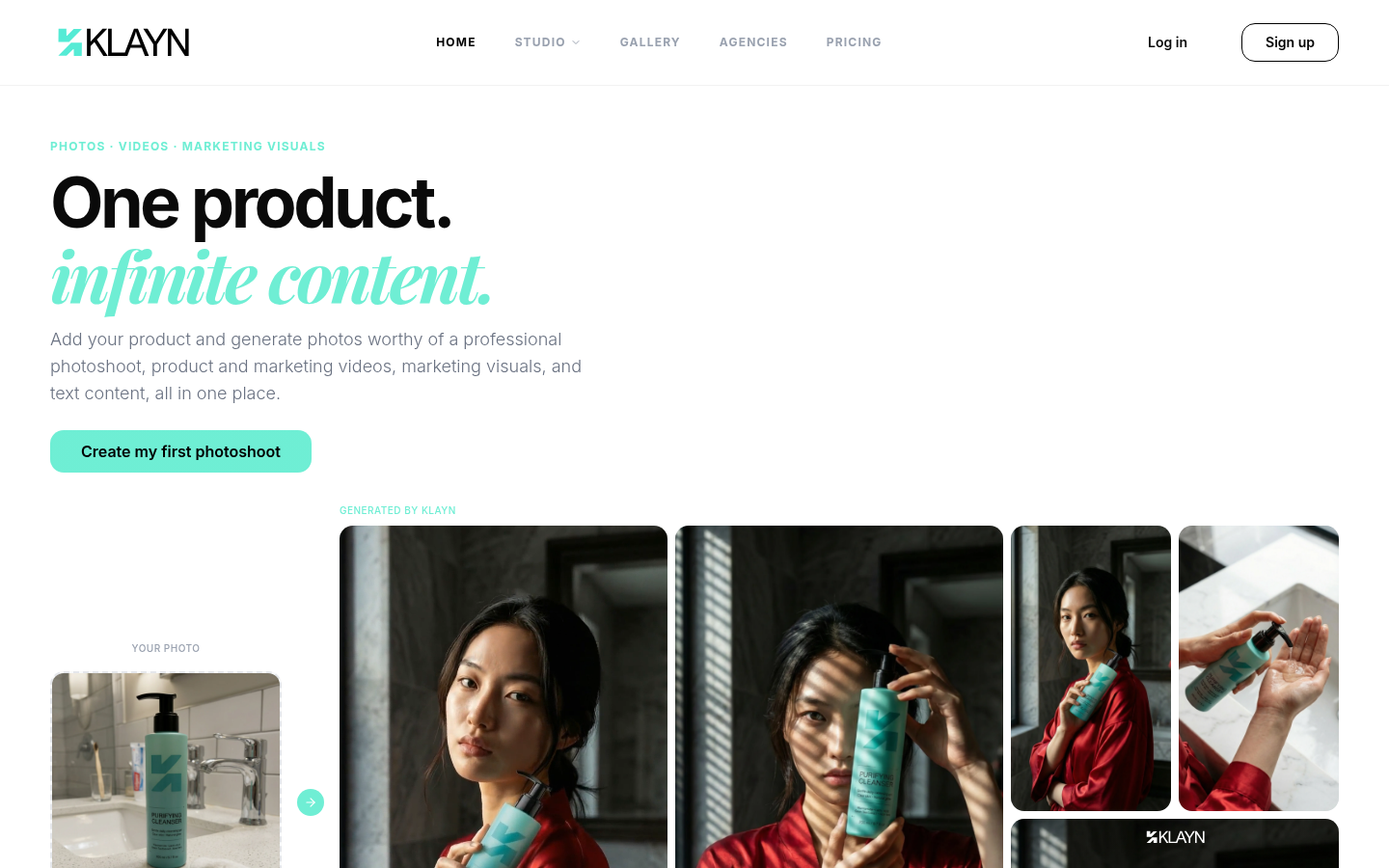

Klayn
- Generates photos, videos, marketing visuals, and product copy in one workflow
- Auto-extracts a Brand DNA (palette, fonts, tone) straight from your existing site
- Import a product by URL instead of re-uploading assets for every new format
- No bulk batch mode yet, each product runs through its own workflow
- Newer platform with a smaller public track record than Photoroom or Pebblely
Best pick for creators who want one subscription instead of three separate tools.
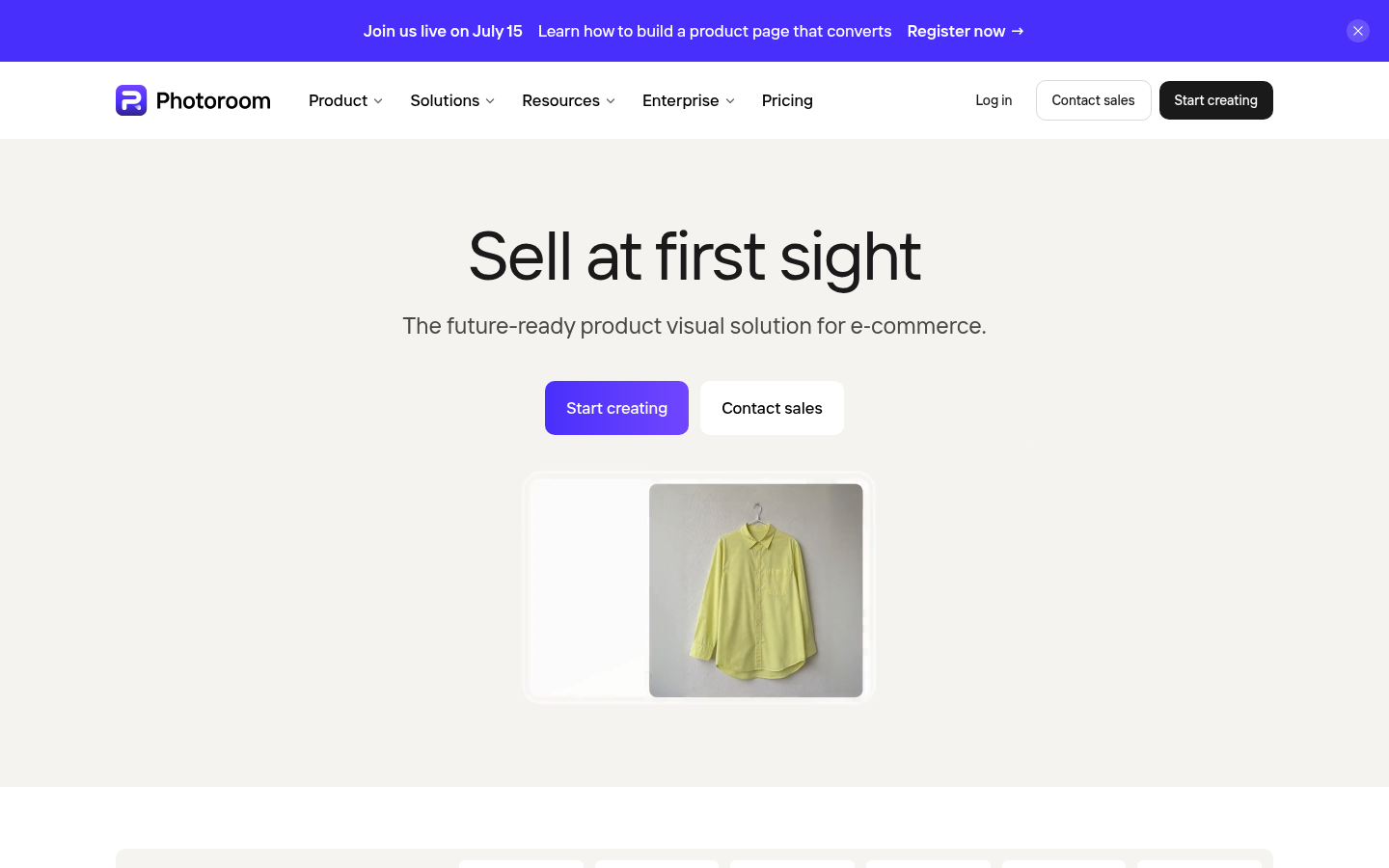
Photoroom
- Batch-edits thousands of images in one pass through the web app or API
- Brand Kit locks colors, logos, and layouts so every export stays consistent
- Syncs on-brand visuals directly to Shopify and marketplace feeds
- Video Generator and 4K resolution sit behind the pricier Max and Ultra tiers
- Free plan is limited, most catalog features require a paid subscription
The deepest tool here for teams publishing thousands of listings a month.
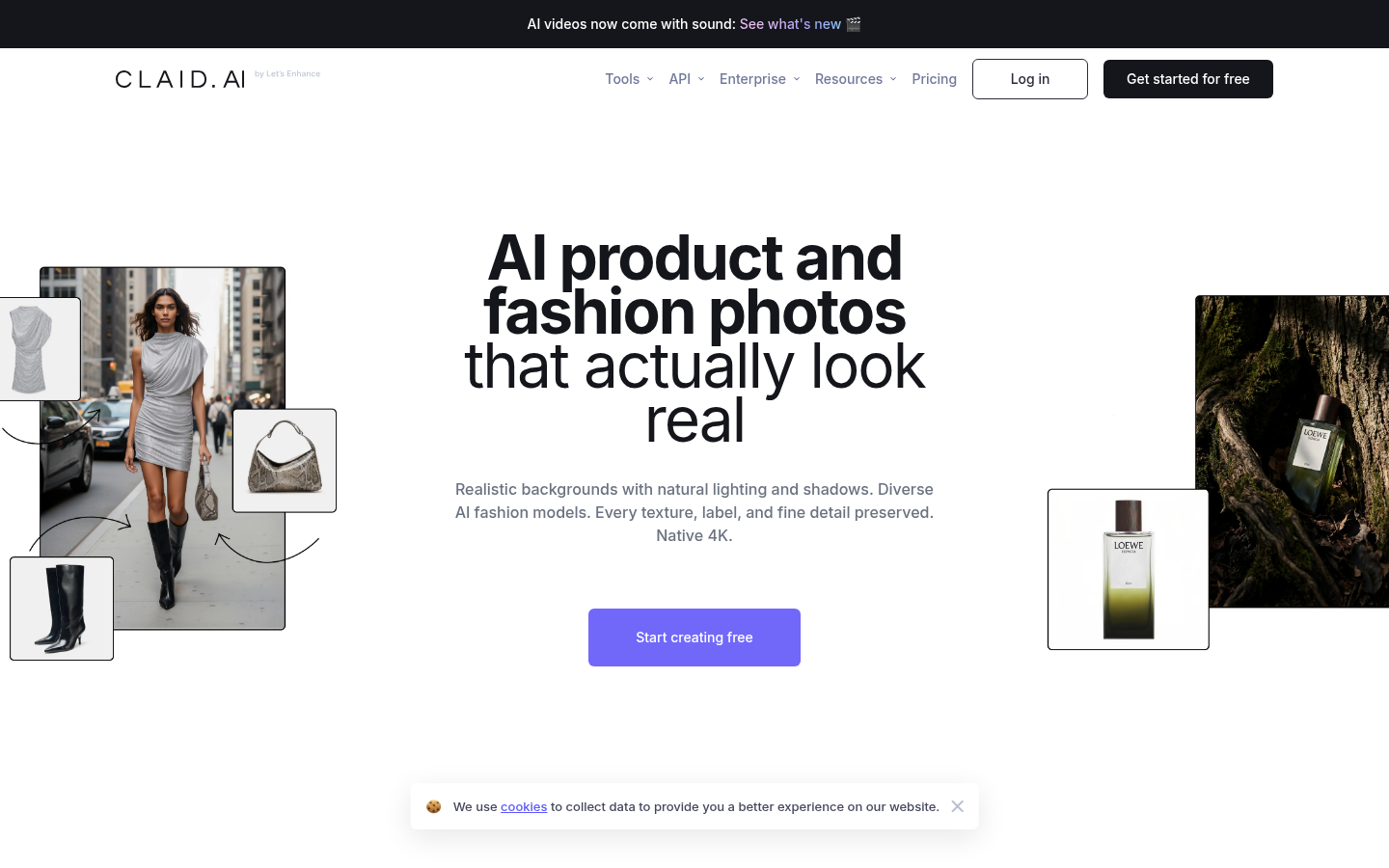
Claid.ai
- Trained specifically on product photography, so logos and textures hold up
- AI Fashion Models turn flat garment shots into on-model photos automatically
- Native 4K output plus automatic light and color correction
- Credit system spends fast on higher-end operations like AI video
- Advanced API workflows on the Business tier require a custom quote
Strongest choice when product accuracy under zoom matters more than volume.
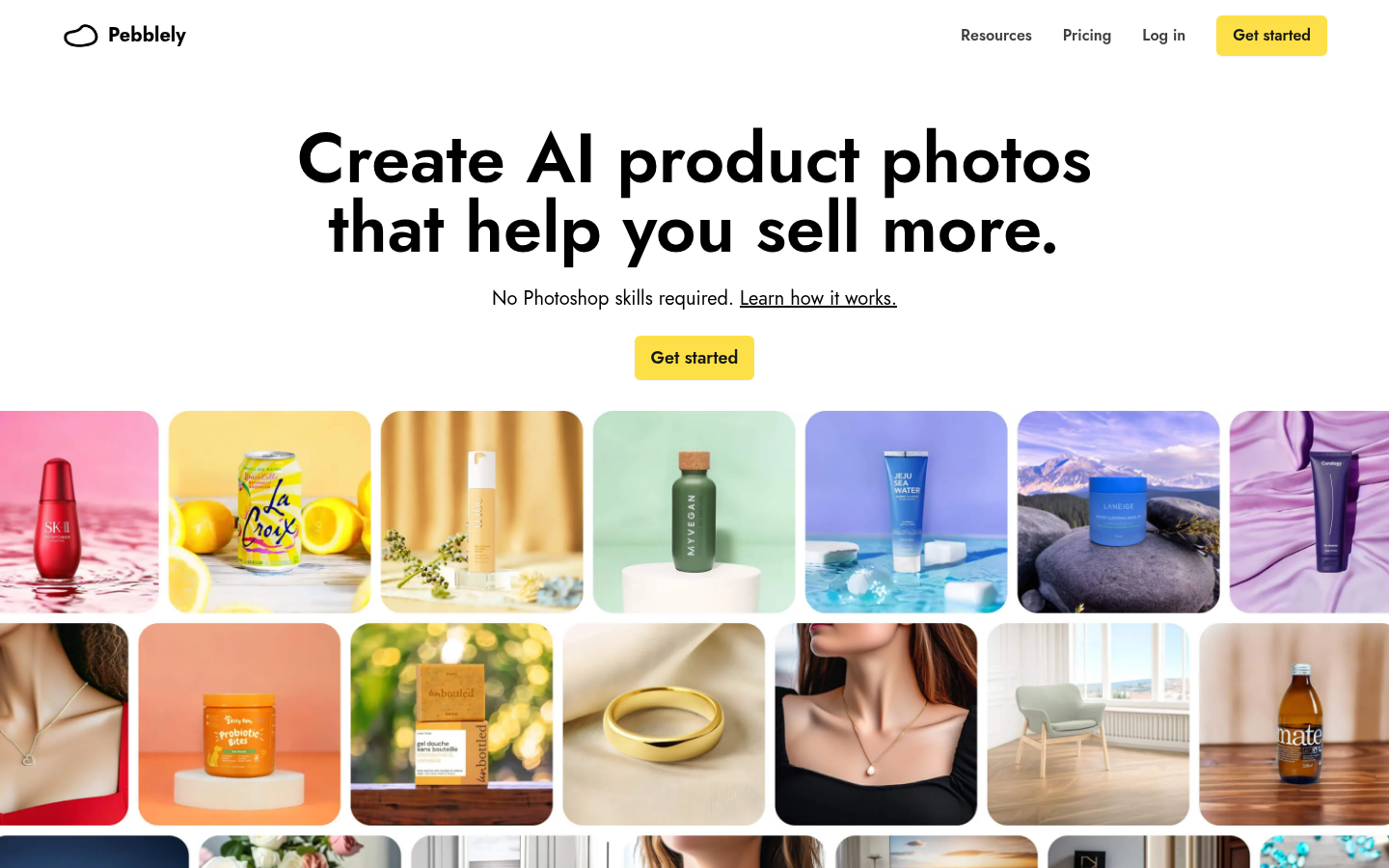
Pebblely
- Cheapest entry plan of the group at $9/mo for 30 images
- 100+ ready-made background templates cut setup time to almost nothing
- Auto-resizes output for Amazon, Etsy, Shopify, and other channels
- No video, copy, or on-model generation, photos only
- Lower monthly image caps mean a growing catalog outgrows it fast
A solid first tool, but sellers past a handful of SKUs will outgrow it quickly.
Flair.ai
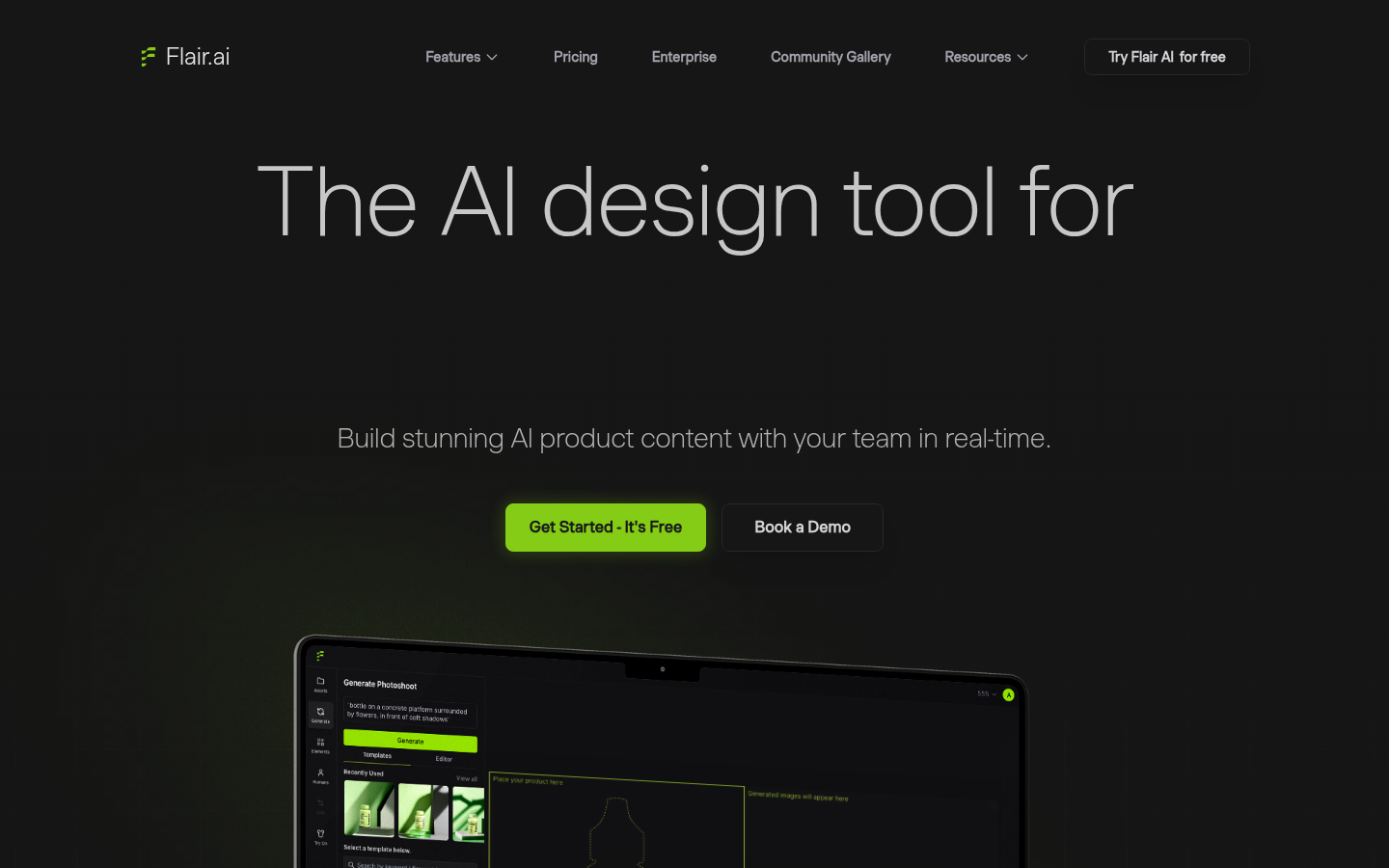
- Drag-and-drop canvas gives more creative control than a single prompt box
- Reusable custom AI human models keep on-model shots consistent across drops
- Real-time team collaboration is built directly into the editor
- Free plan caps out at 5 generated images a month, testing takes patience
- Unlimited API access is reserved for the custom Enterprise tier
Worth it when your catalog leans heavily on apparel and on-model photography.
Nightjar
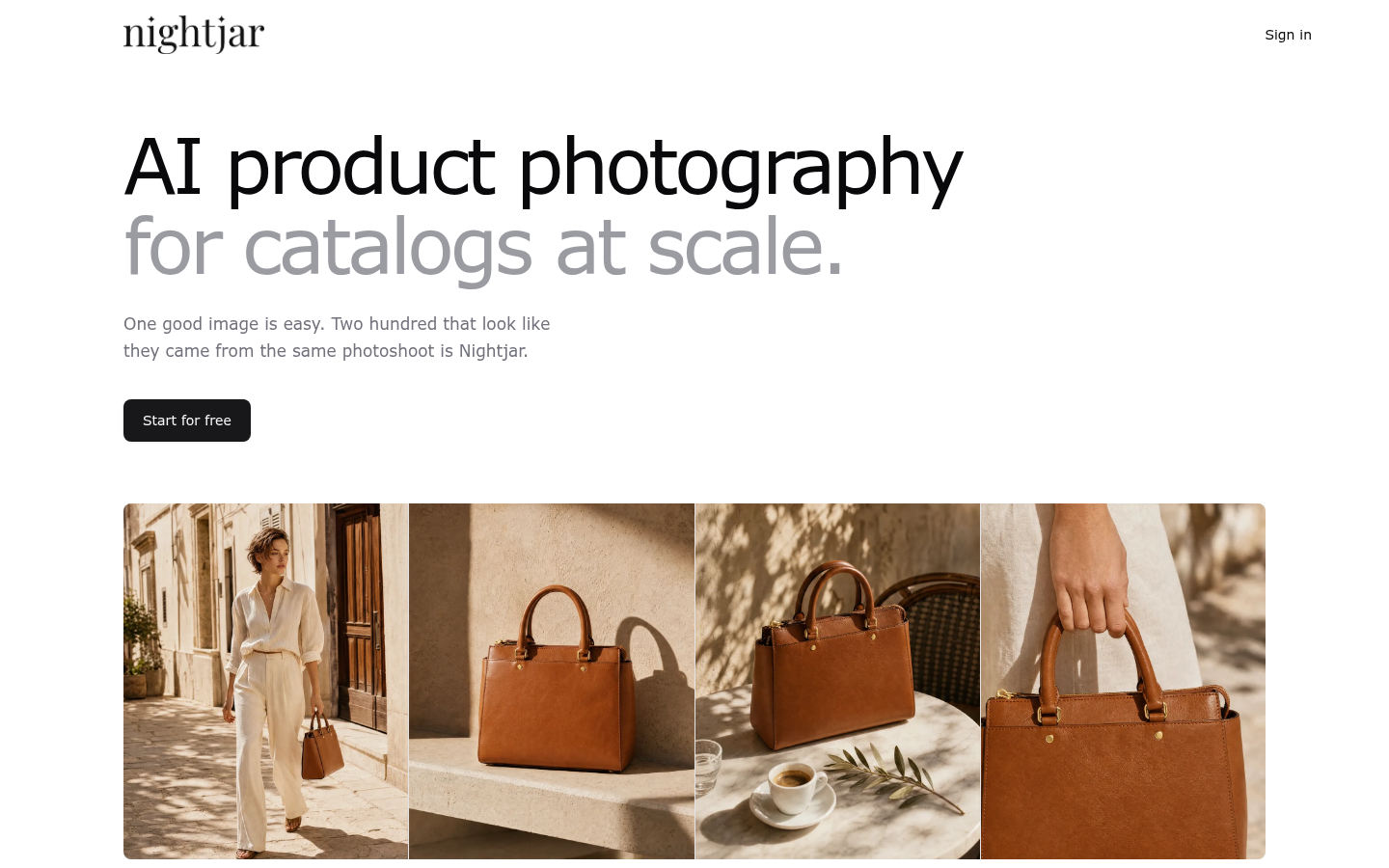
- Saved Recipes reapply the same model, style, and scene to any new SKU
- 150+ photography styles and 80+ studio models cover most product categories
- Full commercial ownership of every image, with no training on your uploads
- Entry plan credits run out fast once you start adding 4K exports
- No native product copy or ad-template generation, photos and video only
Best for catalogs where visual consistency matters more than raw feature count.
Verdict
Photoroom and Nightjar cover volume and consistency at real catalog scale, Claid.ai wins on fashion detail, and Pebblely is the cheapest way to start. Klayn takes the top spot in this comparison because it is the only tool that also drafts your product copy and cuts a short video from the same import, which saves more time for a solo creator running one store than a pure photo editor ever will.
How we tested
We tested each tool by importing the same three reference products (a ceramic mug, a cotton hoodie, and a skincare bottle) into its free tier or trial, then compared output quality, setup time, and how each handled a second and third product in the same style. Pricing was checked directly on each vendor's pricing page in July 2026. Feature claims were cross-checked against published roundups from Photoroom, Claid.ai, Fibbl, and Photta, plus user reviews on G2 and Trustpilot where available. We did not receive compensation from any vendor for this ranking beyond our standard affiliate link to Klayn, disclosed below.
Six tools, one test: Klayn writes copy and cuts video alongside your photos, Photoroom and Nightjar handle the largest catalogs without losing consistency, Claid.ai holds fine detail best for fashion, and Pebblely is the cheapest way to stop shooting on a phone against a bedsheet. If you sell your own merch or products and want one subscription instead of three, Klayn is our pick.
Why product photography software replaced the studio
A single professional product shoot still runs $100 to $500 per item once you add a photographer, a studio rental, and retouching. Creators selling their own merch, print runs, or digital-plus-physical bundles rarely have that budget for every new drop.
Product photography software solves a narrower problem than a full studio: turn one flat photo into a listing-ready image, on a white background or in a styled scene, in seconds instead of days. Some tools stop there. Others, like Klayn, extend the same import into a full content package: photos, a short video, and the product description that goes with them.
How we compared these tools
We ran the same three reference products, a ceramic mug, a cotton hoodie, and a skincare bottle, through each tool's free tier or trial. We logged setup time, how well brand identity carried across a second and third product, and what each platform actually ships beyond still images. Pricing came straight from each vendor's pricing page as of July 2026, and feature claims were checked against G2 and Trustpilot reviews plus published roundups from Photoroom, Claid.ai, Fibbl, and Photta.
1. Klayn: the all-in-one pick for creators selling their own products
Klayn takes a product URL, extracts a Brand DNA (color palette, typography, tone of voice) straight from the seller's existing site, and generates photos, a short video, marketing visuals, and product copy from the same import. That last part is the differentiator: none of the other five tools in this comparison write your listing description for you.
The trade-off is scale. Klayn processes one product at a time; there is no bulk batch mode for uploading a hundred SKUs at once, which is exactly what Photoroom and Nightjar are built for. For a creator or small store adding a handful of new products a month, that limitation barely registers. For a retailer managing thousands of SKUs, it would.
Pricing starts at $15/month for 2,000 credits (Starter plan), scaling to $49/month (Pro, 7,500 credits) and $109/month (Business, 18,000 credits). Each generation type has a fixed, published credit cost, so there are no surprise overages.
2. Photoroom: best for scaling a large catalog
Photoroom has crossed 1 million businesses and built its product around batch production: thousands of images processed in one pass, either through the web app or the API, with a Brand Kit that locks colors, logos, and layout rules so nothing drifts as volume grows. Marketplace Sync pushes finished visuals directly to Shopify and other channels.
Where Photoroom pulls ahead of Klayn is infrastructure: SOC 2 Type 2 certification, dedicated enterprise support, and a track record with retailers like Decathlon, who reported a 99% cost reduction per image after switching. Where it falls behind is scope: Photoroom edits and generates images, full stop. Video and 4K exports exist but sit on the pricier Max and Ultra tiers, and there is no product-copy generation at all.
Plans run from $7.50/month (Pro, billed yearly, 8,000 AI credits) to $82.50/month (Ultra, 75,000 credits, 4K), with custom Enterprise pricing above that.
3. Claid.ai: best for fashion detail and on-model shots
Claid built its models specifically on product photography, and it shows in the details that survive generation: logos, fine textures, and garment shapes stay intact where general-purpose AI image tools tend to smooth them away. AI Fashion Models is the standout feature, turning a flat garment photo into a realistic on-model shot without booking an actual model.
Claid runs on a shared credit system: 50 free credits to start, then $9/month (Essentials, 500 credits, up to 2K) or $35/month (Pro, 2,000 credits, full 4K access). Heavier operations like AI Photoshoot or AI Video eat credits faster than a plain background removal, so a Pro plan can run out mid-month for a video-heavy workflow.
4. Pebblely: the cheapest way to stop shooting against a bedsheet
Pebblely has generated more images than any other tool in this list, 25 million and counting, largely because it is the simplest entry point: upload a product photo, pick from 100+ background templates, and export in the right size for Amazon, Etsy, Shopify, or Instagram automatically.
At $9/month for 30 images, it is the cheapest paid plan here, and the $19 and $39 tiers add bulk generation for sellers with slightly bigger catalogs. The trade-off is scope: no video, no product copy, no on-model shots, and no saved brand profile beyond a custom prompt you re-type each time.
5. Flair.ai: best for reusable AI models and apparel drops
Flair's drag-and-drop canvas is a genuinely different interface from the rest of this list: instead of a single prompt box, you stage products with props and backgrounds on something closer to a design tool, then let AI render the final scene. Custom AI Human Models, saved once and reused across every future shoot, is the feature that makes Flair a fit for apparel and fashion brands specifically.
The free plan (5 generated images/month) is thin for real testing, and unlimited API access requires the custom Enterprise tier. Paid plans run $8 (Pro), $26 (Pro+, up to 8 custom models), and $38/month (Scale, up to 15 models, API early access).
6. Nightjar: best for catalog-wide consistency
Nightjar's whole premise is that one good AI image is easy and two hundred that look like the same photoshoot is not. Its answer is Recipes: save a model, composition, photography style, and scene once, then apply the identical combination to every new SKU with one click. For brands adding new colorways or products weekly, that consistency is worth more than any single stunning image.
Entry plans start around $25/month for 150 generations, scaling toward roughly $350/month for 2,800 generations on higher tiers. There is no product-copy generation, and 4K exports burn through credits noticeably faster than standard generations.
Which one should you actually pick?
If you are a creator or small store owner who wants photos, a video, and a product description from one import, Klayn is the only tool on this list that does all three, and it is why we rank it first. If you are past a few hundred SKUs and need proven batch infrastructure, Photoroom or Nightjar will serve you better than any all-in-one tool. If fashion detail is the priority, Claid.ai's on-model generation is the strongest of the group. And if budget is the only constraint right now, Pebblely gets you off phone photography for $9 a month.
None of these tools replace a photographer for a flagship campaign shoot. What they replace is the routine work, the tenth listing photo, the seasonal refresh, the new colorway, that never needed a studio booking in the first place.